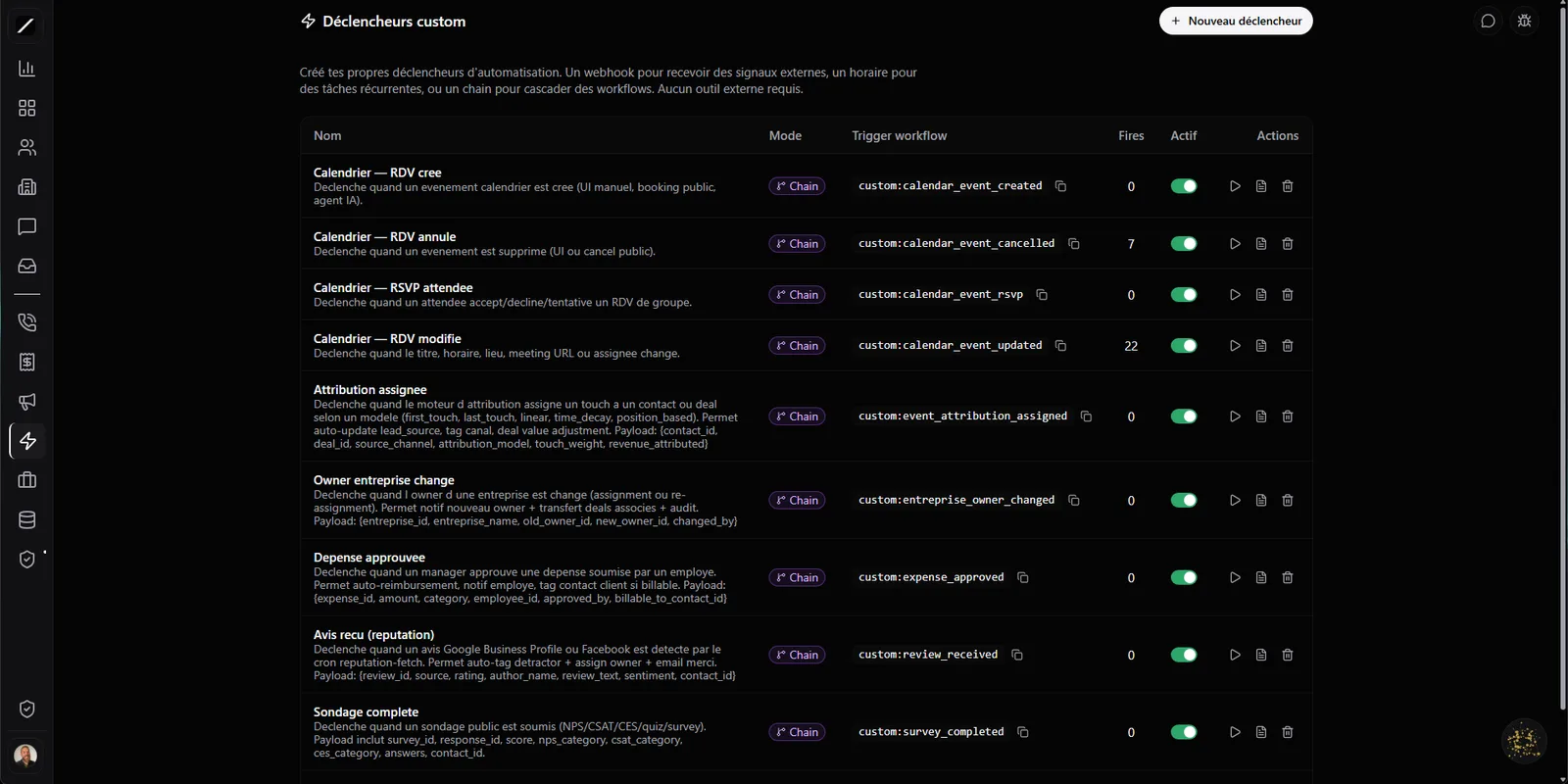
A trigger, called however suits you.
A trigger is a custom event you define yourself — "order received", "file approved", "external payment", whatever your business generates. Once created, you call it whichever way suits you: by webhook from an external system, on a schedule, or in bulk. It's your own event bus, inside your CRM, instead of a third-party service to wire up.
Signed, and yours in two minutes.
Every trigger comes with an integration guide: copy-ready code snippets (cURL, Node, Python, PHP, batch) with your real secret already in them, so a developer wires it up in minutes instead of digging through generic docs. It's built so an integration is safe by default, not as an afterthought.
const res = await fetch(
  "https://api.toncrm.io/triggers/commande-recue",
  {
    method: "POST",
    headers: {
      "X-Signature": sign(body, SECRET),
      "Idempotency-Key": orderId,
    },
    body: JSON.stringify({ montant: 1290, devise: "CAD" }),
  }
);Fails? It retries on its own.
If a dispatch fails — the system on the other end is down, a network error — toncrm retries automatically, spacing out the attempts, up to five times. Still nothing? The event drops into a dead-letter queue and an email goes to the owner. Nothing gets lost silently.
And the dead-letter queue is a real interface where you can re-fire or discard each event, one by one. The engine guarantees the same event fires never twice, even with several processes running in parallel. Temporary outages fix themselves, and real errors end up in one clear place instead of vanishing into thin air.
You can retry without duplicating.
When you integrate two systems, the same call sometimes ends up going out twice — a timeout on your end, a retry, a nervous finger. toncrm handles it with an idempotency key: if the same event arrives twice, it replays the original response instead of processing it a second time. You retry a call without risking a duplicate or firing the same thing twice.
It's the kind of detail that makes the difference between an integration that holds and one that spawns phantom bugs — the guarantee that turns a jittery system into one you actually build on.
Conditions and a validation.
A trigger isn't a pipe that swallows anything. You can set conditions on the event's content (continue only if the amount exceeds 1000) and remap the data before it's used.
And every event is validated against a typed schema — text, number, email, date, and so on — with clear errors that tell you exactly which field is off and what was expected. You decide what deserves to continue, and the data coming in is clean before it even touches the rest of your system.
Every firing knows where it comes from.
The same trigger can fire in several ways — and each one is traced to its source in the execution log. An external webhook, a schedule, a batch send, a manual replay, a test from the interface, a workflow chain or a command to the assistant: you always know why an event ran, not just that it ran.
On the routing side, your conditions go beyond a simple "equals": nine operators (equals, not equal, greater than, contains, starts with…) plus a remapping of the content before the condition. And a trigger can chain into a workflow — the event comes in, the automation takes over.
Replay any event — with its original version.
You can replay any past event from the interface. And here's the clever bit: if you've changed the event's schema since, the replay uses the schema it had back then, not the current schema. In other words, a replay truly reproduces what happened, instead of crashing against a newer version.
Your events keep their schema history — a detail most tools forget, and one that saves you hours of debugging the day you need to understand what happened three weeks ago.
A hundred events in a single call.
To import or sync in bulk, you can send up to a hundred events in a single call, with partial-success handling: you know exactly which ones went through and which ones snagged, instead of all-or-nothing. Handy when you plug in a system that spits out a lot of data at once.
The event bus, in brief.
Everything about triggers.
Wire up your first trigger.
14 days free, no card. Or book a demo, and we'll wire up your first webhook with you.
We'll wire up your first webhook with you in a demo.
