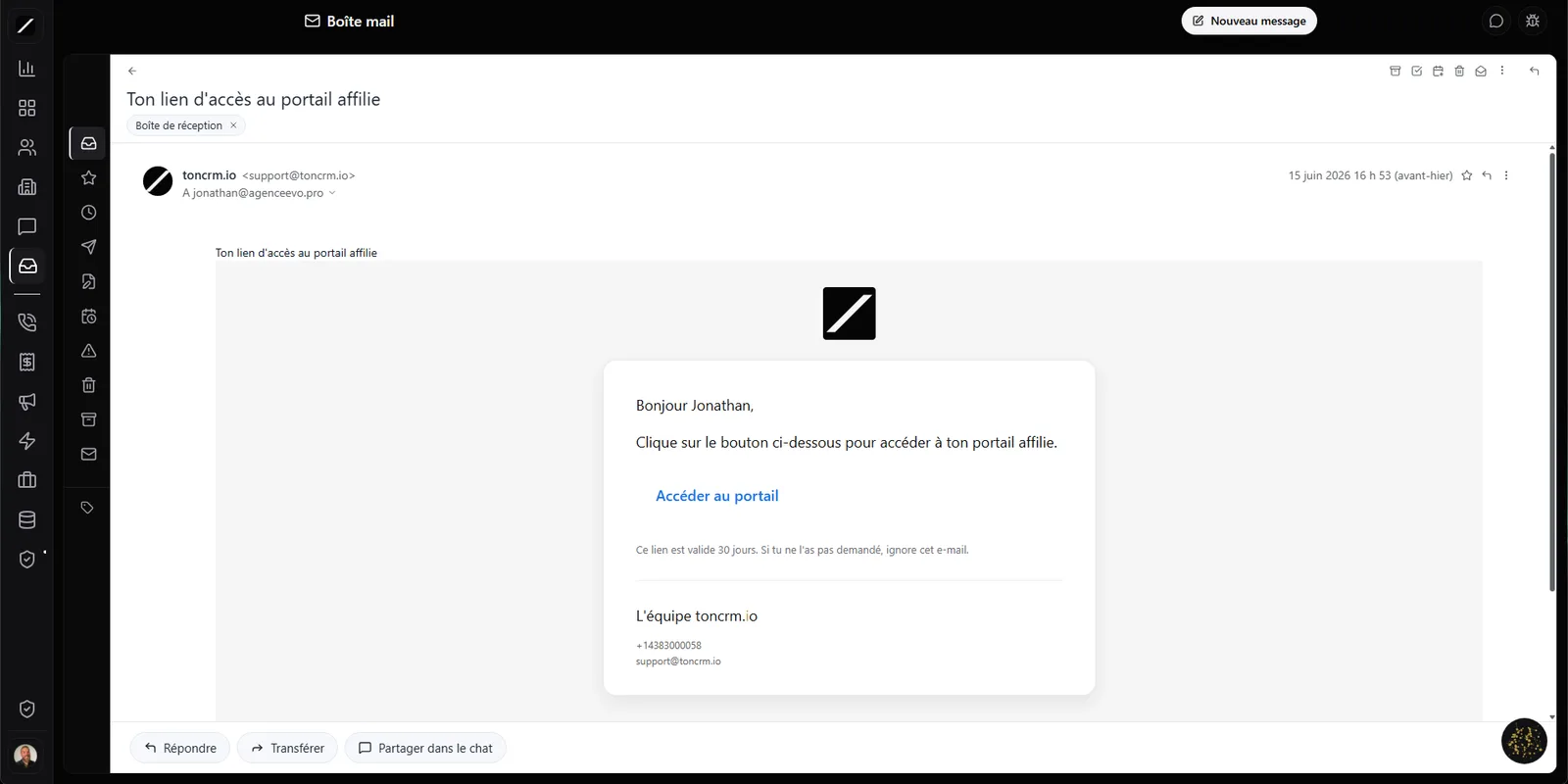
All your accounts, one interface.
Think about your day right now. You've got your personal Gmail open in one tab, the business Outlook app in another, and a third account — the team's or an old domain — that you check once a week and that keeps piling up important stuff. You spend your day hopping between them, and there's always a message that falls through the cracks.
toncrm brings it all into one interface. You connect Gmail, Outlook and Microsoft 365 at the same time — as many accounts as you've got — and you read them all in one place. A picker at the top lets you switch from one inbox to another in one click, or see everything at once.
The connection goes through Google and Microsoft's official authentication: your password is never stored, never seen. toncrm just gets a revocable permission, and it refreshes that access on its own in the background. You connect once, and it stays connected.
Real-time push — zero polling.
Most tools that plug into your email check for something new at a regular interval — every two or five minutes. That's polling: you find out an important email came in with a delay.
toncrm works the other way around: it's Gmail's or Outlook's server that tells toncrm the second an email arrives. The message shows up instantly, without you refreshing.
The other half is incremental sync: instead of re-downloading your whole inbox, toncrm only fetches what changed. Even with a hundred thousand emails, the interface stays fast.
Undo your send — even on Outlook.
We've all been there: you click Send, and half a second later you get that sinking feeling. You forgot the attachment. You wrote the wrong name. You replied to everyone.
When you click Send, the email doesn't leave right away — it waits a few seconds (five by default, adjustable up to thirty), and an Undo button is right there. You click, and the message is pulled back before it reaches anyone.
Gmail offers this — but only for Gmail. If your account is Outlook or 365, you don't get it. toncrm handles the undo on its own side: it works for all your accounts, Outlook and 365 included. The safety net doesn't follow your provider — it follows you.
Oracle drafts your replies.
Email is rarely the work you love. It's the work that eats away between the real work. Oracle lives in your inbox to take the most tedious part off your hands — and it prioritizes based on what matters (a hot lead, a long thread left unanswered) and keeps itself to a few suggestions a day so it doesn't become noise.
A malicious email won't break your CRM.
Email is the number one attack vector on the web: hidden scripts, tracking images, booby-trapped HTML. toncrm processes every incoming email before showing it to you. You read your email with total peace of mind.
Aliases, signatures, labels, conversions.
Ten folders, and your categories respected. On top of the standard folders, Gmail's categories (Primary, Promotions, Social) and Outlook's Focused mode are kept as-is. toncrm doesn't change the way you sort, it respects it.
Your emails build your contacts on their own.
An up-to-date contact database is precious — and it's tedious to maintain by hand. toncrm does it for you, straight from your emails.
A message comes in from an address already in your CRM? toncrm automatically links it to the right record, and the exchange shows up in the contact's history. An unknown address? toncrm creates the record on its own, name and email already filled in.
Your database builds itself as you go. Not one important contact stuck only in your inbox without existing in your CRM.
Access broken? Fix it yourself.
In real life, access to shared inboxes always ends up getting tangled — someone leaves, a permission drops, a migration leaves a gap. In most CRMs, you're stuck: you write to an admin, you wait for them to figure it out, and then fix it by hand. That can take a full day.
toncrm detects the situation and shows a banner with a « Fix my access » button. You click, and toncrm gives you the right access back on its own, based on your existing permissions. No ticket, no waiting, no depending on someone else.
And every detail that matters.
The inbox, in facts.
- 3 providers unified: Gmail, Outlook, Microsoft 365
- Multiple inboxes per employee, in one interface
- Real-time push sync, incremental (no polling)
- Send undo up to 30 seconds, even on Outlook
- Oracle: drafts, thread summaries, time-slot suggestions
- Two-way Gmail labels (CRM = source of truth) + send-as / sending aliases
- N signatures per alias, just-in-time sync (~200-500 ms, not 24h)
- Email → task or event in 1 click · multi-drafts · smart compose
- Security: HTML sanitizing + image proxy on every email
- Auto-created contact records + full CSV export (Law 25 audit)
- 10 folders + Gmail categories / Outlook Focused mode respected
Everything about the inbox.
Connect your emails.
14 days free, no card. Or book a demo, we connect your accounts with you.
We connect your Gmail, Outlook and 365 accounts with you in a 45-sec demo.
