Aller au contenu principal
FIG 0.0 · NOTES

Team notes, without Notion.Built into your CRM.

A notes editor for you and your team: auto-saved, shareable, searchable. Ready-made templates, voice dictation, version history — plus Oracle that can write a note for you. Everything you like about Notion, built into your CRM.

No credit card required.

Notebooks
Meetings
Clients
Ideas
Notes
Recap — Monday
Call — Réno Bouchard
Q3 ideas
Call — Réno Bouchard
Budget $25k confirmed, deadline August. Wants a follow-up Tuesday.
Saved
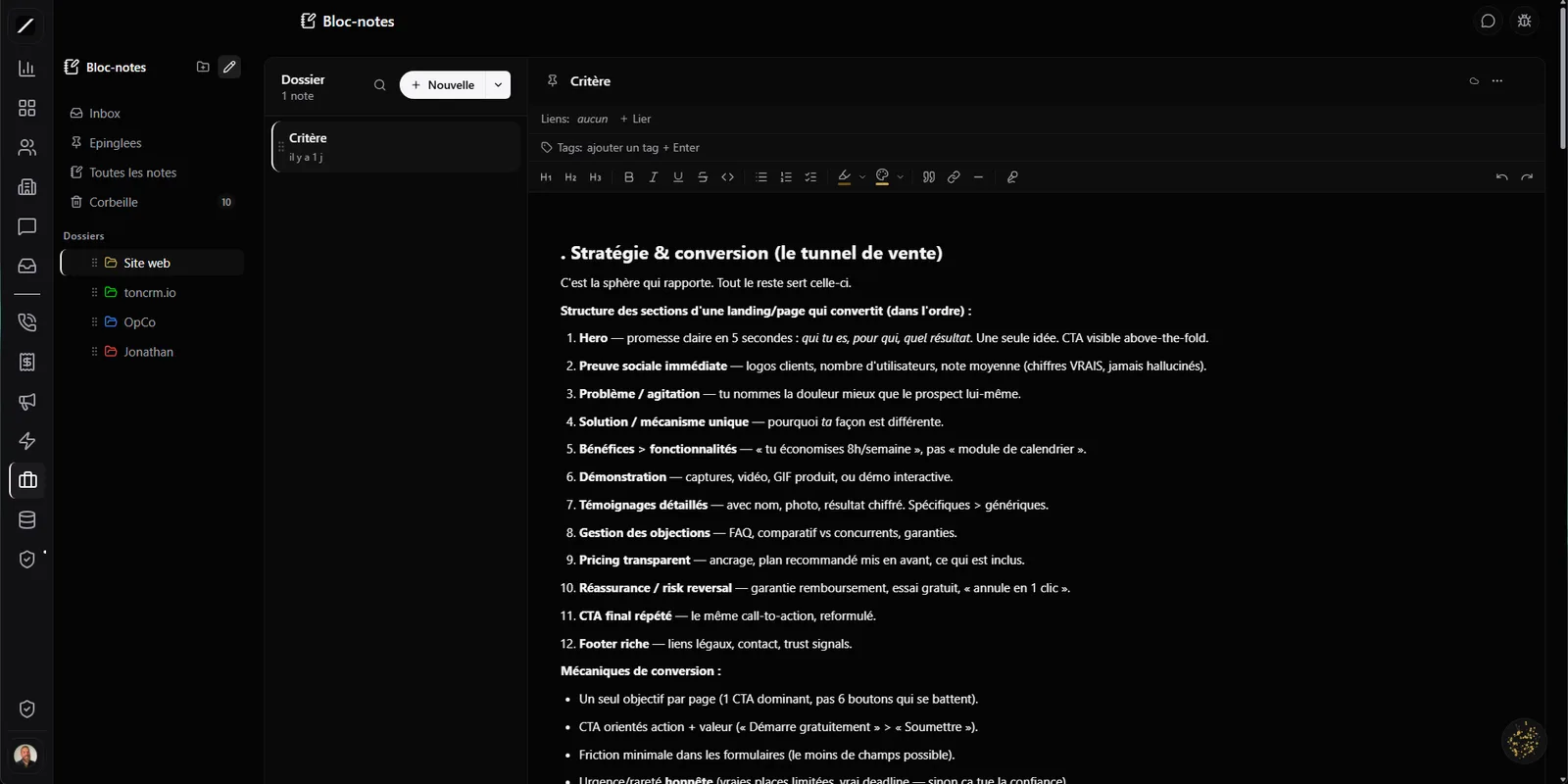
toncrm.io notes: the three-pane editor with its colored notebooks, the note list, and a note being edited.
FIG 0.1 · THE EDITOR

Organized the way you think.

Notes gives you a clean editor: your notebooks on the side, your notes in the middle, your text on the right. You organize your notebooks with the mouse — reorder them, nest them, give them a color so you find your way at a glance.

In your notes, you go bold, highlight, color your text, and you paste or drag an image straight into the note — a screenshot, a photo, it drops right where you are. The ease of a good notes tool, with no complicated software to learn.

Drag-and-drop notebooks
Reorder, nest, color.
Highlight + text color
Make what matters stand out.
Pasted or dragged image
Straight into the note.
Search
Find a note by its content.
FIG 0.2 · ZERO STRESS

You close the tab — it's already saved.

You never lose a note. Notes saves on its own while you type, and it saves again the exact moment you switch tabs, close the window, or your phone goes to sleep. Four safety nets — no more “did I save?” stress, no work erased by accident.

While typing On tab switch On close On sleep
FIG 0.3 · GET GOING FAST

Six ready-made templates — and dictate by voice.

Instead of starting from a blank page, you pick one of six templates ready-made. The structure is already there — you just fill it in.

Meeting recap
Logbook
Client sheet
Call prep
Brainstorm
Blank
“Follow-up Tuesday, budget confirmed at 25 grand…”
Follow-up Tuesday, budget confirmed at $25,000
Text inserted at the cursor · auto-corrected
FIG 0.4 · HANDS FULL?

Talk, it writes itself.

You don't always feel like typing: you can dictate by voice, in Québec French. You talk, and your words show up right where your cursor is — handy between two clients or when your hands are full. Correction is applied automatically, so your notes stay clean.

FIG 0.5 · TEAM KNOWLEDGE

Shared, and everyone's in the loop.

Notes isn't just for you. You share a notebook with your team, and everyone sees its notes in one place. And when someone adds a new note to a shared notebook, the whole team is notified automatically — nobody misses an update.

Your team knowledge stops being scattered: it lives in a shared notebook everyone follows.

“Clients” notebook · sharedMBJLSP
Mélanie added “Call — Réno Bouchard”
The whole team is notified
Call ended · 6 min
Note written by Oracle
Réno Bouchard wants a roofing quote, budget $25k, follow-up set for Tuesday.
Linked to Réno Bouchard
FIG 0.6 · WITHOUT THE NOTE-TAKING

Oracle can write a note for you.

After a call, you don't have to sit down and retype everything: you ask Oracle to write the note — a summary, already linked to the right contact or deal. The recap exists without you lifting a finger, and it's filed in the right place. One more note in your file, without the note-taking.

FIG 0.7 · YOUR NOTES ARE YOURS

Go back, share, take it all with you.

Your notes keep their history: erased an important bit by mistake, or want to go back to yesterday's version? You restore in a few clicks. Need to show a note to someone outside? A read-only public link. And above all, nothing locks you in: you import your markdown files, you export one note or all your notes at once in an archive.

Version history
Restore yesterday's version in a few clicks.
Read-only public link
Show a note to someone outside.
Markdown import
Bring in your existing files.
Export one note or all
A full archive, whenever you want.
FIG 0.8 · THE FINAL NET

Nothing gets lost.

Delete a note? It goes to a 30-day trash where you can restore it — no permanent deletion on a stray click.

And you can link any note to a contact, a company, a project or a deal, so it shows up on their record. Your notes and your CRM talk to each other, instead of each living in its own corner.

Note deleted — Q1 ideas Restore
“Call — Réno Bouchard”→ contact record
FIG 0.9 · IN NUMBERS

Notes, in short.

Rich 3-pane editor (nested notebooks + colors, highlighting, text color)
Image pasted or dragged straight into the note
Auto-save + 4 nets (tab switch, close, sleep)
6 ready-made templates · FR-CA voice dictation · French correction
Notebooks shared with the team + automatic notification on new note
Oracle writes a contextual note (linked to the contact or deal)
Version history + restore · read-only public link · 30-day trash
No lock-in: markdown import, export one note or all · search
FIG 1.0 · FREQUENTLY ASKED

Everything about notes.

It's a Notion-light, built into your CRM: rich editor, notebooks, team sharing, search — without the complexity or the price of a separate tool.

Sharing works by notebook: everyone sees the notes in the shared notebook and is notified of new ones. (Live simultaneous editing by several people isn't offered.)

Yes — nothing locks you in: you import your markdown files, and you export one note or all your notes at once in an archive.

Yes — for example a summary after a call, already linked to the right contact or deal.

It goes to a 30-day trash where you can restore it; and every note keeps a version history.
L'entrepreneur d'aujourd'hui
FIG 1.1 · GET STARTED

Write your first note.

14 days free, no card. Or book a demo — we'll show you notes in action.

No credit card required.

Essai gratuit 14 joursAppeler Clodyne

Ready to see toncrm.io for real? We show it to you set up for your trade.

Book a 15-minute demo — or start your free trial right away.

Free 14-day trial

No credit card · Setup done for you · French-language support

Features